White background maker for product photos
Marketplaces want the product on pure white.
- Free, no sign-up
- No upload
- Full resolution kept
How it works
Three steps, under a minute
Marketplaces want the product on pure white. Drop the photo, and the subject is detected on your device and placed on RGB 255, 255, 255, the exact white Amazon requires. Choose another colour if your shop uses one. Nothing is uploaded.
- 1
Add your files
Drop the product photo.
- 2
Make
Keep the colour at #ffffff for marketplaces, or pick your shop’s background colour.
- 3
Download
Click Make white and download as JPG for listings.
What you get
Everything you need, nothing uploaded
Pure white (#FFFFFF) by default, as Amazon’s main-image rule requires.
Subject detection runs on your device with the same model as the background remover.
JPG, PNG or WebP output.
No upload, no account.
See the difference
Before and after
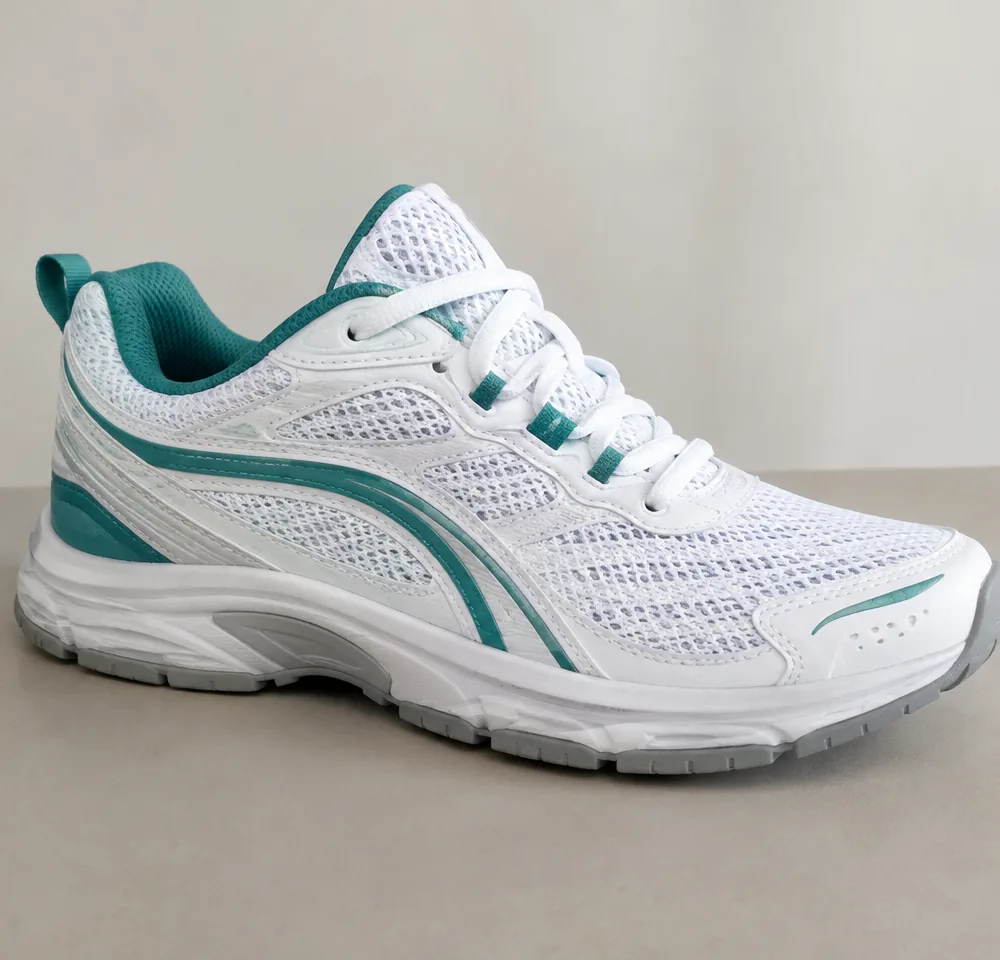 Before
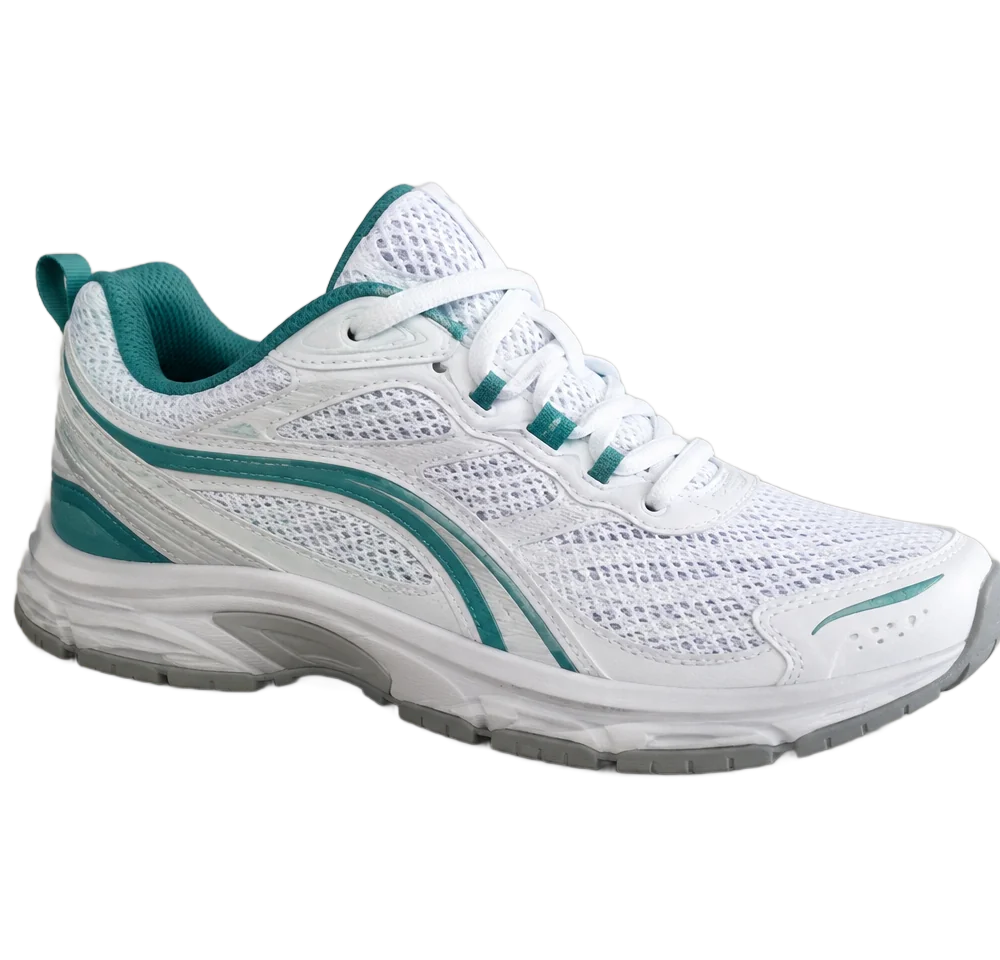 After
In depth
Marketplace rules the output meets
Amazon main images must be on pure white (RGB 255, 255, 255), and the product should fill at least 85 percent of the frame; use the crop to square tool after this one. eBay and Etsy do not require white but reward clean backgrounds in search. The guides on this site list each marketplace’s full requirements.
When to use it
When to use the full editor instead
Glass, fur, reflective metal and shadows can leave a fringe. The editor’s Remove BG tab has edge refinement, an eraser brush and a lasso for exactly that, plus shadow and gradient backgrounds for lifestyle images.
FAQ
Frequently asked questions
Can’t find an answer? The guides cover formats, sizes and privacy in depth.
Read the guidesIs my image uploaded?
No. The effect is drawn on a canvas in your browser and the file never leaves your device. The Network tab in the developer tools shows no upload while the tool works.
Is the white exactly #FFFFFF?
Yes. The background is filled with RGB 255, 255, 255 before the subject is placed on it.
Does it work for people and pets too?
Yes. The model is trained on people and objects alike.
Related tools
More free tools
Amazon product image requirements for 2026: size, white background, 85% rule
Done here? Make it look great.
Adjust, retouch and add effects in the full editor. Still 100% on your device.